
Read the living landscape.
Follow the water. Notice where plants take root and where animals gather. Use your field survey to look closer and compare what changed.
An ecological adventure · In development
Verdant Resonance: First Frontiers is an ecological adventure in development for Windows PC. Go beyond the cities, explore the living landscape, and discover what changes when you act. Play solo or bring a fellow Wayfarer along in local co-op.
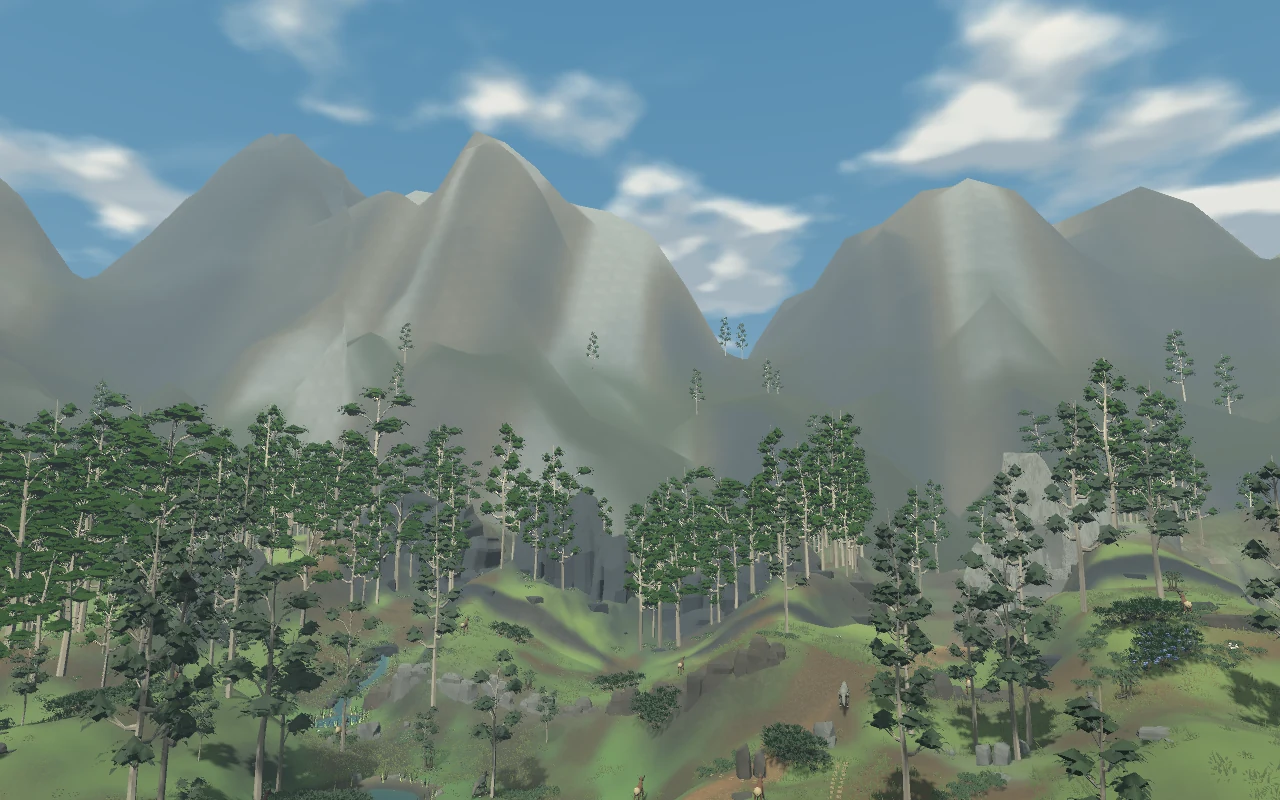
Firstlight Reach · Development screenshot
Somewhere beyond the cities
Civilization has found its own answers. You have come to ask a few more.
Leave the cities behind for a landscape where water, plants and wildlife shape one another. Get to know a place, try an idea, and watch what happens next.
Your Wayfarer Mobile Unit (WMU) is your mobile base in the field. Drive through the landscape, carry your equipment, and travel to other Frontiers from its dashboard. Its built-in field terminal gives you a closer look at the land.
Your journey starts in Firstlight Reach. Mara can show you around, or you can head out to explore for yourself.
Meet the ideas shaping this world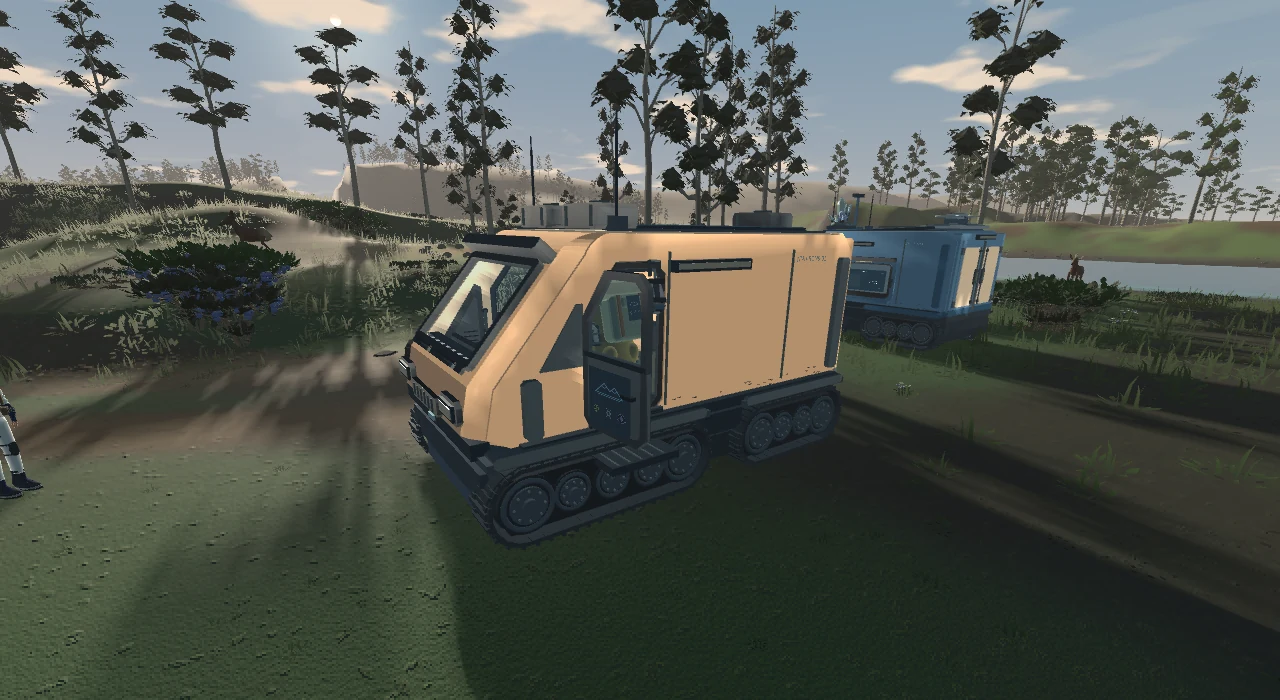
A journey built on curiosity
Small actions.
Consequences worth coming back for.
Follow the water. Notice where plants take root and where animals gather. Use your field survey to look closer and compare what changed.
Move water, transplant living shoots, or try field technology. Different approaches can help in different ways. The land gives you something to learn from.
Rest aboard your WMU and compare the next morning’s changes at its field terminal. Keep the methods you learn as you move between studies, and revisit Firstlight Reach to try them in a place you already know.
From the field
Actual development screenshots.
Select a scene to explore it.
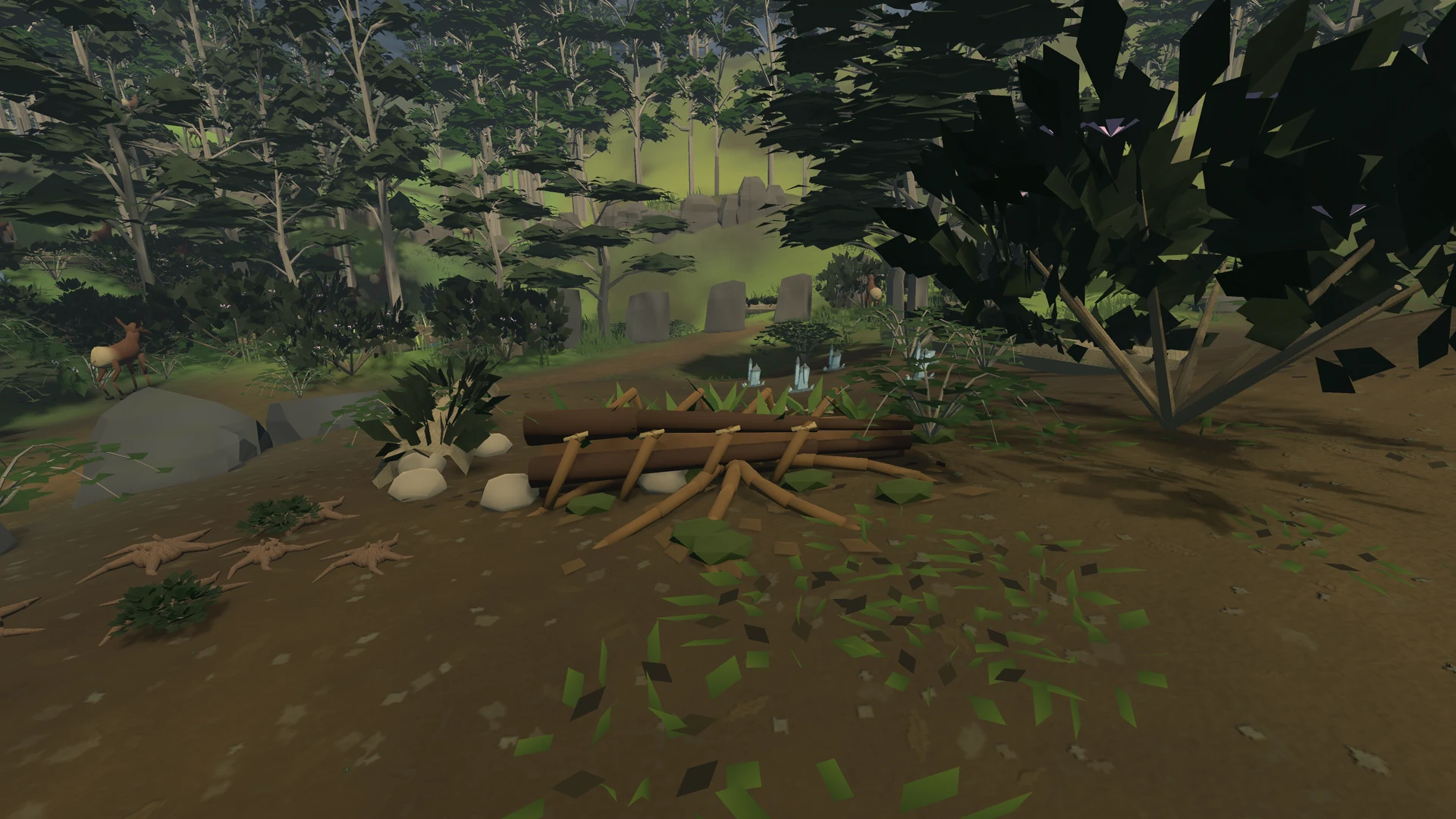
Look closer at the plants and wildlife of Splitroot Reach.
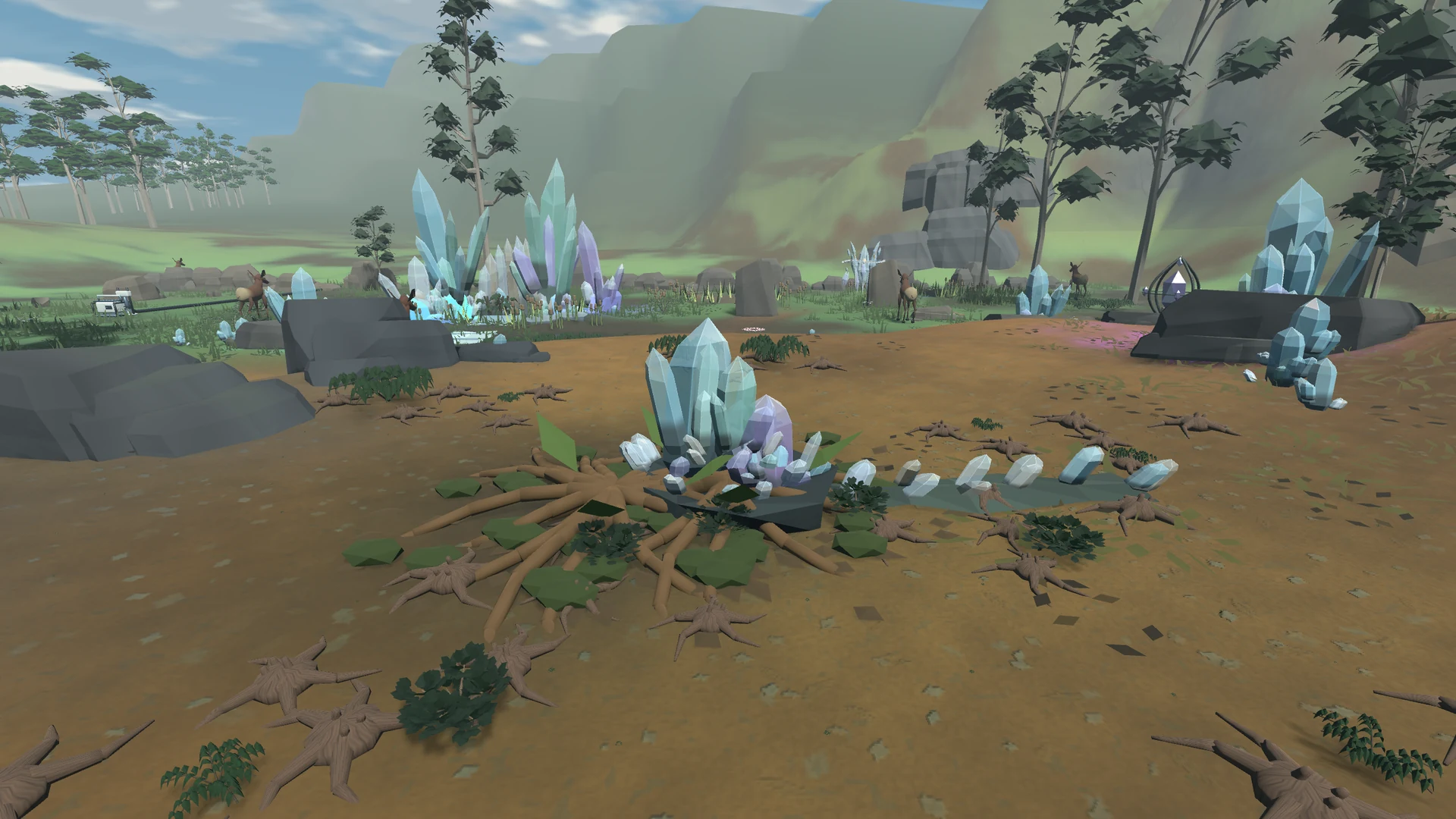
Water, growth and wildlife share the same ground.
Drive. Study. Rest. Set out again.
First Frontiers is in development. These captures show recent local builds; the invitation-only public playtest may differ.
Three visions. One living world.
Beyond the cities, you encounter different answers to that question. Explore their methods, combine what you learn, and see what each makes possible.
 01 / WILD VITALITY
Work with growth, adaptation and living relationships. Give life room to change, and discover what can emerge.
A world that keeps becoming.
 02 / DELIBERATE THRIVING
Build dependable systems through careful design and engineering. Shape the conditions for life to thrive.
A world shaped with intention.
 03 / HARMONIC STILLNESS
A crystalline civilization seeking lasting harmonic order. Explore the possibilities and limits of precise interventions.
A world in enduring harmony.
No allegiance required. Your choices take shape through what you do.
Your first expedition
Start with an invitation, your WMU, and a landscape to get to know. Explore solo or share the journey in local co-op.
Find your way into the fieldAn invitation to explore
Request a free invitation by email ↗
Invitation requests are not open here yet. If you already have an invitation, you can use it below.
The playtest is free. No payment is needed to request an invitation or play.
Open the invitation link you received, or paste it below to get your copy.
Reading build details…
Before you head out
Download the ZIP, right-click it and choose Extract All. Open VerdantResonancePlaytest.exe in the extracted folder. Keep the files together.
This is an unsigned Windows prototype.
Begin aboard your WMU in Firstlight Reach, then climb out into the valley. Talk to Mara for an introduction or explore independently. Follow the in-game guidance when you are ready for a field study. Watch what happens before and after you act. You do not need to read the lore first.
Use Menu → Settings & session → Save and quit when you need a break.
While playing, press Start/Menu on an unused controller to add a second Wayfarer. Keyboard and controller combinations work too; press F2 to add a keyboard player.
One PC, two people, one shared world. Online multiplayer is not included.
Follow the prompts shown in the game. Contextual actions explain the tool, its cost and what it does. Find the field terminal on the driver’s side of your WMU for the full survey, details and morning comparisons.
Explore in isometric, third-person or first-person view. Follow the controls shown in the game to switch. In local co-op, each player chooses their own view.
Your observations matter
We want to know what made sense, what didn’t, and what made you curious. There are no right answers.
Send feedbackSend your answers to the person who invited you. A screenshot or a short recording helps, if you’re comfortable sharing one.
Before the journey
An ecological adventure about learning how a living place works. Explore, work with water and plants, try different technologies, and watch how the land and wildlife respond. Return to Firstlight Reach between studies and see how your own interventions shape the valley.
Yes. Two Wayfarers can explore together on one Windows PC in split-screen, with independent camera choices. Press Start/Menu on an unused controller to join, or F2 to add a keyboard player. Keyboard and controller combinations work too. Online multiplayer is not included.
Yes. They show actual development builds. First Frontiers is still taking shape, so recent screenshots may show changes that are not yet in the invitation-only public playtest.
Ask the person who invited you for a fresh link if yours has expired or already been used. You won’t lose the copy you already downloaded or your saved game.
Tell us what you were doing and which version you were playing, as listed in your copy’s START_HERE.txt. Screenshots help. Use Menu → Settings & session → Export playtest log to export summary.json and events.jsonl, then choose whether to share them with your report.
No. The game keeps gameplay and performance logs locally on your PC. You choose whether to export and share them. Logs can include hardware and display details as well as game events. This site uses aggregate hosting statistics, such as total requests and delivered data. It does not use visitor tracking cookies or advertising scripts. Invitations store access status and times, without asking players for names or email addresses. Hosting providers still process normal connection information.
Extract the new build into a separate folder and choose Continue Journey to resume a saved slot. Saves are kept separately on this PC. For a fresh test, choose New Journey in an empty slot. Menu → Settings & session → Restart journey… replaces the selected journey after confirmation.
Entirely optional
Verdant Resonance: First Frontiers is provided free to playtest. If you’ve played the game and enjoyed what I’m creating, you can optionally leave a tip for that experience. Tips help support the work and costs behind continued development.
Tipping does not purchase the game or provide access, priority, rewards, ownership or future entitlements. Your playtest access is the same whether you tip or not. No future release is guaranteed.
Leave a tip ↗